

Account: Sign in, change your email or delete your account
You use one FluentPet account for all FluentPet apps and websites.
Create an account or sign in
Section titled “Create an account or sign in”When you open the FluentPet app, the welcome screen offers two choices:
- Tap Create an account to make a new account.
- Tap I already have an account! to sign in.
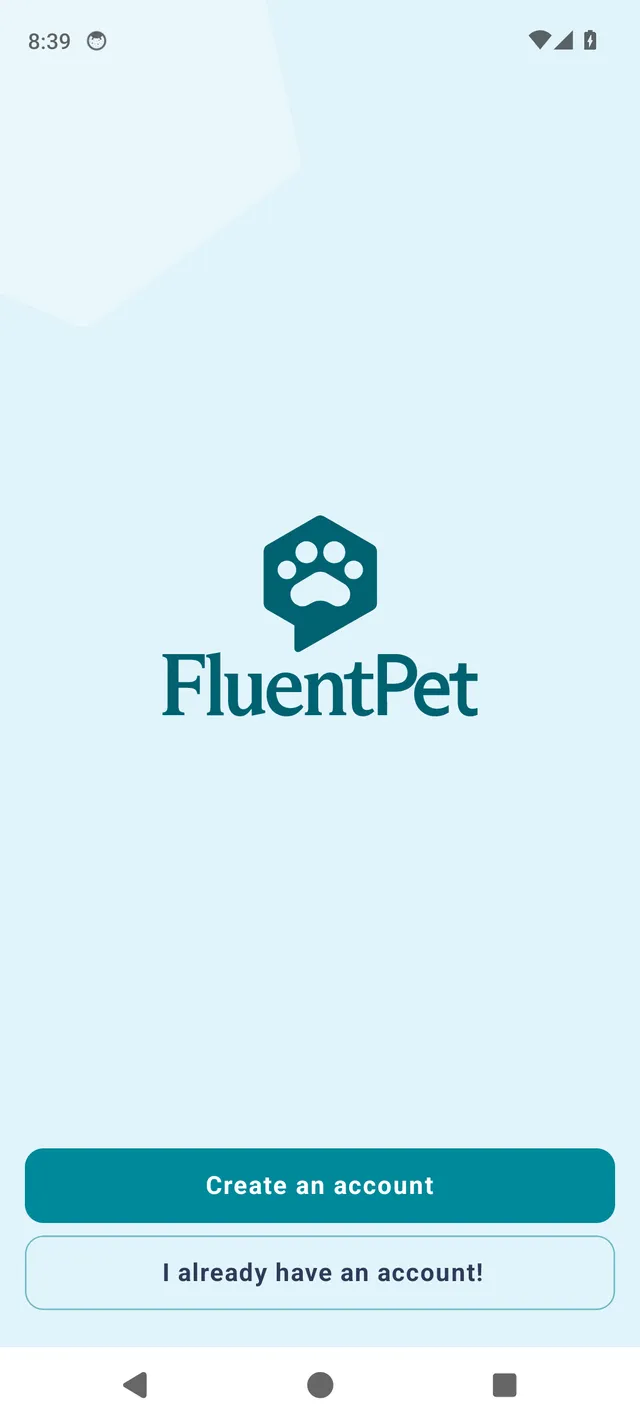
The app then opens the FluentPet sign-in page, where you create your account or sign in with your email address and password, with Google, or with Apple.
Forgotten password
Section titled “Forgotten password”On the FluentPet sign-in page, tap Forgot password? to get a password reset email. There is no password reset screen in the app itself.
Change your email address
Section titled “Change your email address”You cannot change the email address of your account. To use a different email address, create a new account with that address, or contact FluentPet support. The Owner of your household can then invite the new address.
Delete your account
Section titled “Delete your account”You can delete your account from the app: open Settings and tap Delete account at the bottom of the list. Or contact FluentPet support to ask for your account to be deleted.